
Prepare your brand logo
A brand needs a name and one logo image. Create a 500 × 330 px canvas and place your logo inside it, as shown below. Keep the entire logo within the canvas, with enough space around the edges so it stays readable when displayed at a smaller size.
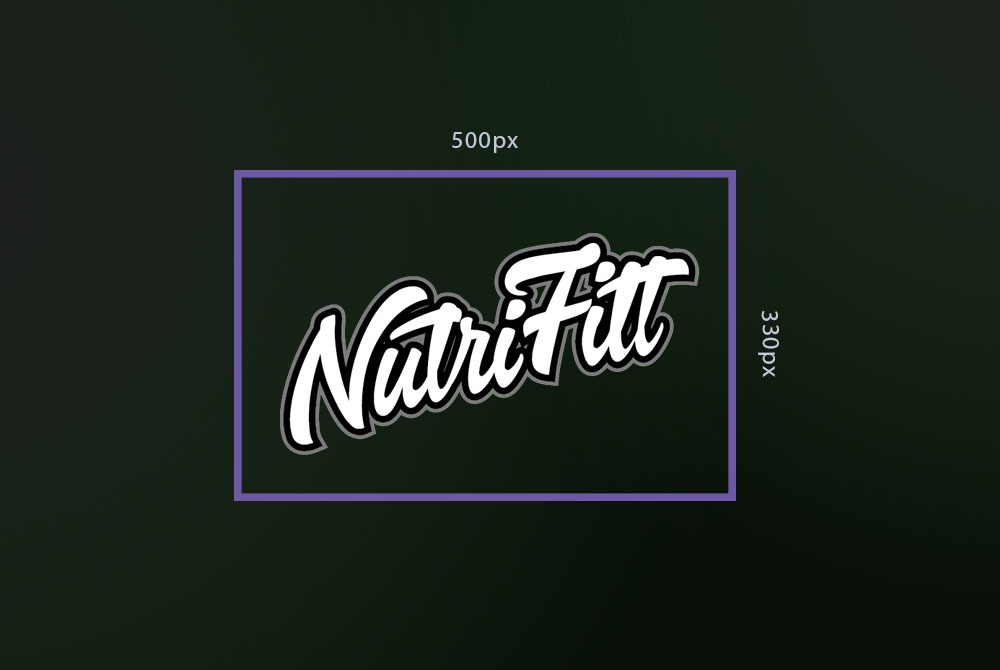
Export the logo as a PNG (.png) with a transparent background. Each file must be 5 MB or smaller. The illustration above is a layout reference; upload your finished logo rather than the reference image with its dimensions and border. Changing a JPEG filename to .png does not convert it into a PNG.
Add the brand to your catalog
- Open the Taste and brand catalog in your cabinet.
- Find Add a custom brand and enter a brand name of 2–80 characters. Choose a name that is not already used in the catalog.
- Select your PNG logo. The form checks its extension, actual PNG data, pixel dimensions, and file size before showing a preview. If the file is rejected, correct the problem described in the message and select it again.
- Check the logo preview and click Create brand.
Your new brand appears under Your brands and is associated with the client whose cabinet is open.
Manage your brands
Use Delete on one of your own brand cards to remove it. A brand used by a product must first be removed from those products. Shared brands and brands belonging to the root client are read-only in the cabinet.
For the taste artwork that accompanies your products, follow How to create a taste.